Registration & Auth
LISA uses a secure registration and login process to ensure only authorized users access the platform.
This guide covers signing up, logging in, password resets, and account verification.
Signing Up (Creating an Account)
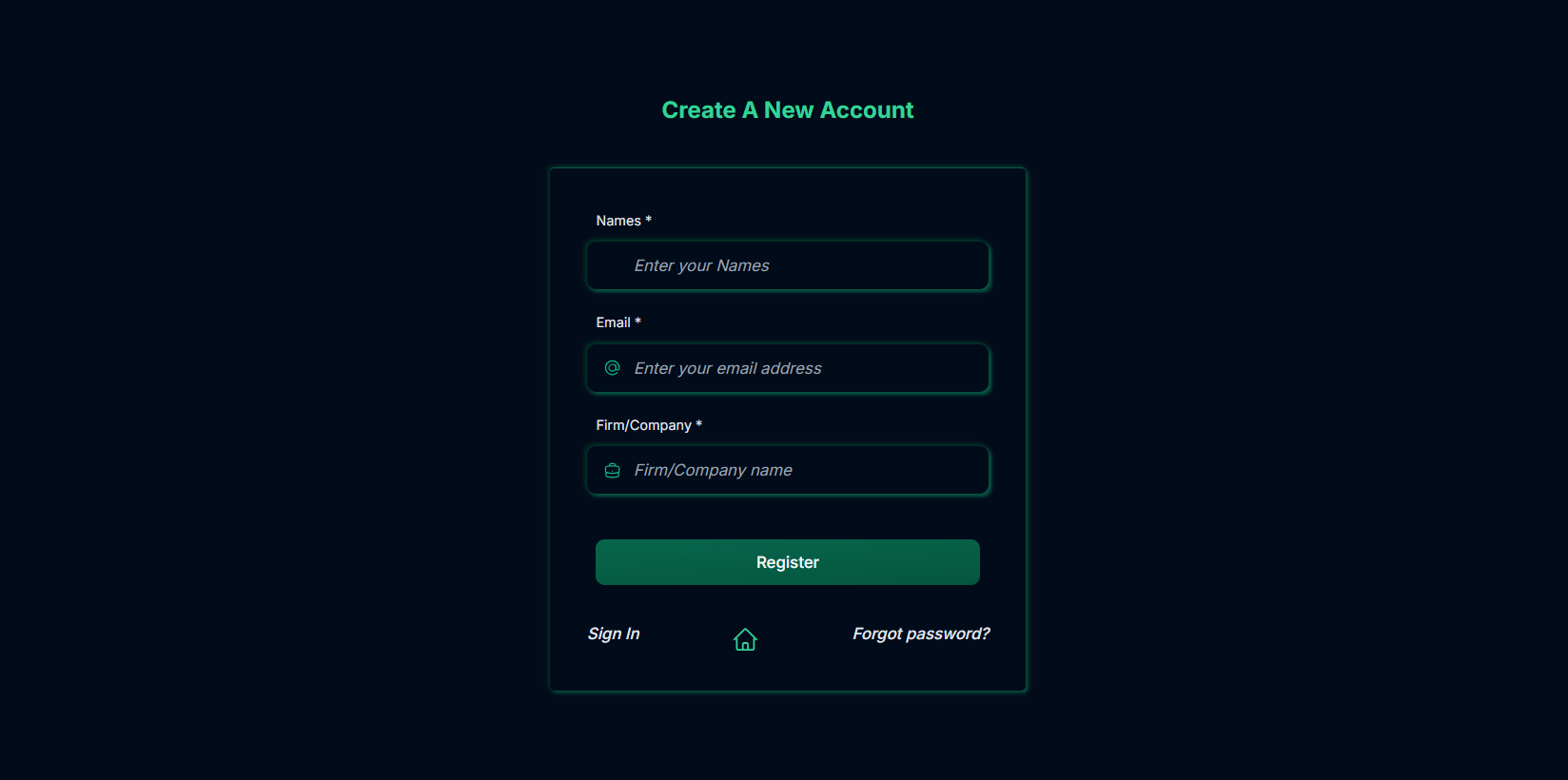
To create a new account:
- Visit the LISA website and click Sign Up.

- Enter your details:
- Full Name
- Email Address
- Name of Firm
- Click Register.
🎥 [No video]
Email Verification
After signing up, you must verify your email:
- Email Verification:
You’ll receive a link in your inbox. Click it to confirm your email address, and set a new password.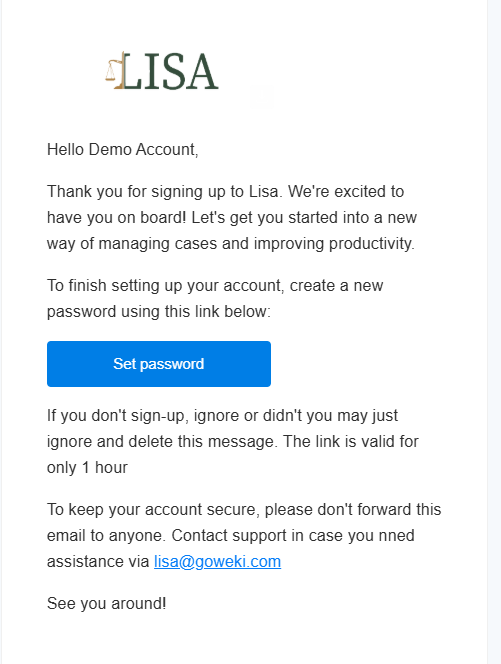
Setting a new password is required before you can sign in to access your institution or cases.
Logging In
- Visit the login page.
- Enter your email or phone number and password.
- Click Sign In.

Password Reset
If you forget your password:
- On the login page, click Forgot Password?
- Enter your email and click Get Pssword Reset Link.
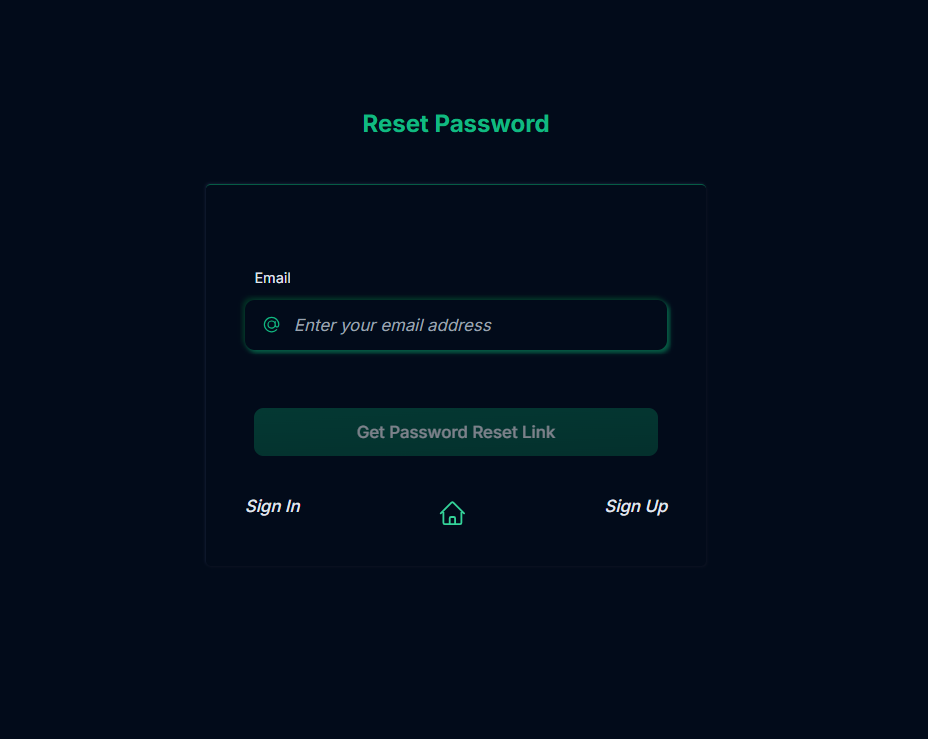
- Log in with your new password.
Staying Secure
- Use a strong password (at least 8 characters, with numbers & symbols).
- Do not share your login credentials.
- Always log out from public or shared devices.
Signing Out
To sign out safely:
- Click on your profile picture at the top-right.
- Select Sign Out.
Summary
With the registration and authentication system, you can:
- ✅ Create a secure account.
- ✅ Verify your email/phone.
- ✅ Log in to access LISA.
- ✅ Reset your password if needed.
This ensures that your data and cases are always protected and accessible only to you.